FREE STANDARD SHIPPING, ALWAYS
Here’s How to Use Filters and Presets for Your Photos
Published 6/25/21
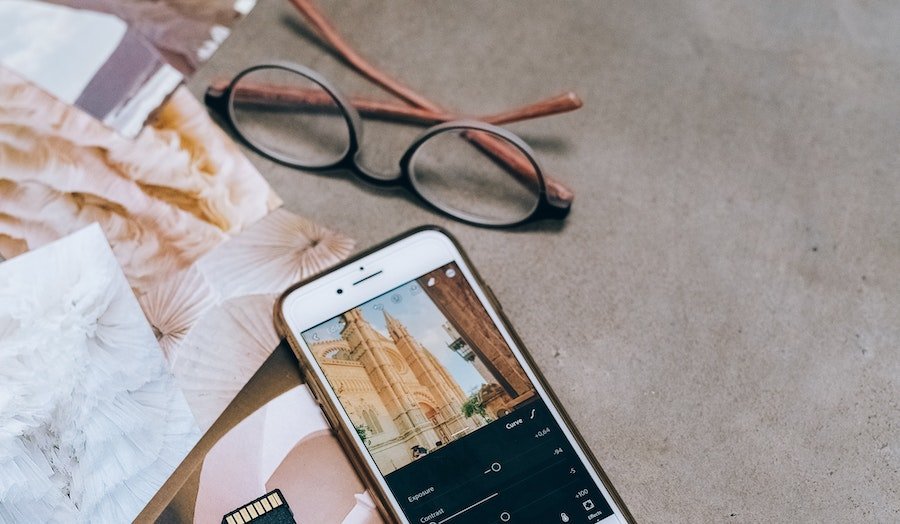
Photo editing may sound complicated — and while our kids can edit their pictures in a matter of seconds, for some of us, cropping photos is the extent of our editing skills. If you’re not familiar with filters and presets, they’re a great way to enhance the photos you print in your Chatbooks. You may be familiar with filters like black and white and sepia, and adding presets (custom filters) to your pics is just as easy. Here’s how you can use filters and presets to elevate your photos...

What are filters?
Filters can alter the appearance of an image by changing the shades and colors. For instance, when you change your photo to black and white, you’re adding a filter to your picture. Filters can help brighten your photos or sharpen the object or person in focus. Other filters include sepia and Clarendon.
These photo editing tools can be found on Instagram, your iPhone’s photo edit mode and other apps. Try these apps to find filters that will make your photos look unique.
What are the main tools?
There are a few tools you can use to filter your photos, including exposure, sharpen, contrast and saturation. Here's how each will change your photos:
Exposure
This tool brightens your photos after they've been taken, as shown in the side-by-side photos below.
Sharpness
This tool enhances the edges in the image, which makes them for visible, as shown in the side-by-side photos below.


Contrast
This tool adjusts the variation between the light and dark areas of the image, as shown in the side-by-side photos below.


Saturation
This tool affects the way colors appear in different lights, making them appear more vivid and intense, as shown in the side-by-side photos below.
What are presets?
Presets are similar to filters, and they make adjusting your photos as easy as clicking a button. When you choose a preset, you click a button that applies a few predetermined settings to your photos and enhances the image. These settings can include brightness, saturation, sharpness and other tools. If you use the same presets on all your photos, it will create a certain style or design consistency among your photos. You can use presets on photos you’ve taken indoors to make them seem brighter, or on photos taken outdoors to make certain colors pop.
Preset editing tools can be found online or through apps like A Color Story, Adobe Lightroom or VSCO.
Here are some examples of how presets can bring your photos to life:
With and without A Color Story's Everyday preset
With and without A Color Story's Memories preset (made in collaboration with Chatbooks!)
Once you’ve chosen the filters and presets that fit your vision, upload your pictures to the Chatbooks app and choose a photo book to print them in. Once they arrive, use your photo books as decor around your home and show off your new photo editing skills!