FREE STANDARD SHIPPING, ALWAYS
How To Turn Monthbooks and Monthly Minis Into a Yearbook
Published 12/14/22
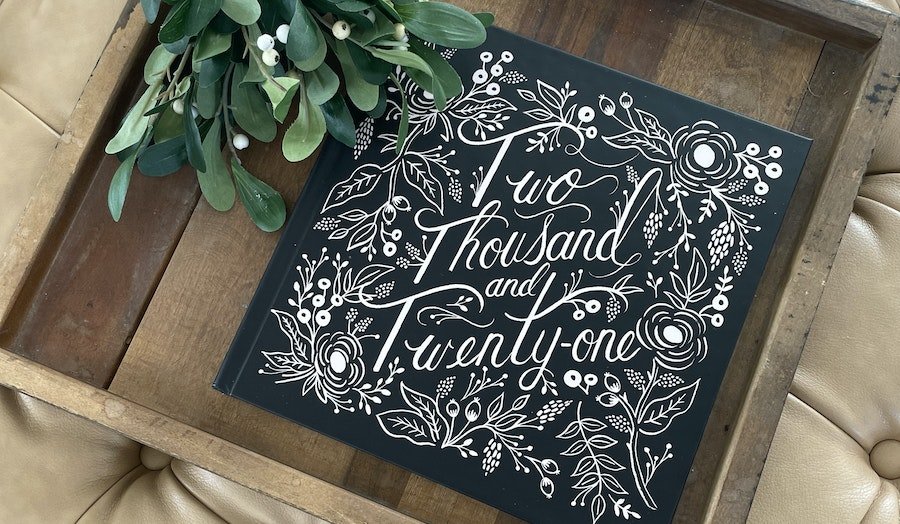
Yearbooks are an incredibly sentimental way to save all of your family’s precious memories throughout the year (they also make a great gift for grandparents!). And if you already have a Monthly Minis or Monthbooks subscription, you can use those photos! Did you know you can copy photos from an existing photo book into your Yearbook? This will only work if your photo books haven’t been sent to print! Here’s how to do it...

1. Once you’re in the Chatbooks app, start a Yearbook and pick a cover (if you haven’t already)
2. Open the book with the image you want to copy

3. Tap “select and rearrange” in the right corner below your cover image
4. Select the photos that you’d like to copy

5. Then tap “copy to” in the bottom right corner and you’ll see an option for “Existing Book.”
6. Click and choose your new Yearbook!
